How AI Tools Use MCP: ChatGPT, Copilot & Cursor
The Model Context Protocol (MCP) is reshaping how AI tools integrate with external systems. Here's how ChatGPT, GitHub Copilot, and Cursor are implementing this new standard for AI agent connectivity.
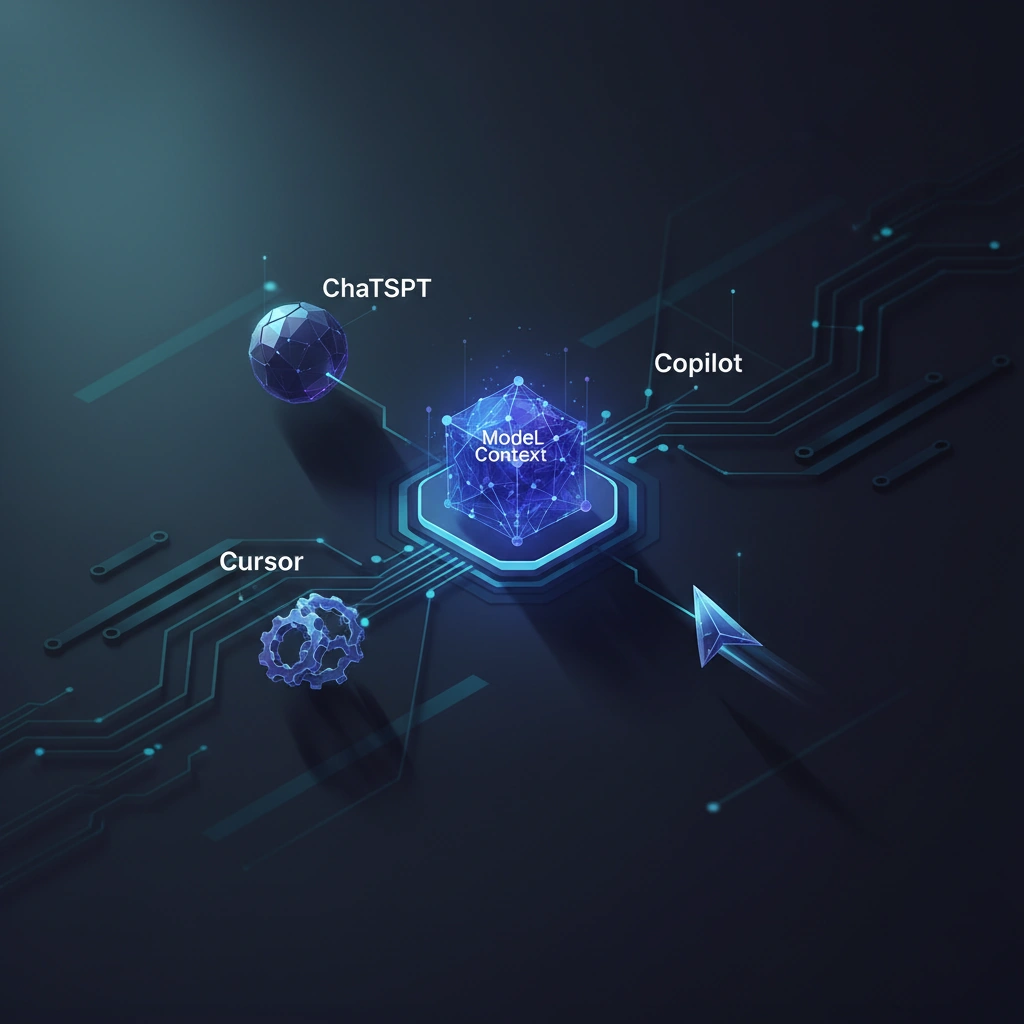
The Model Context Protocol (MCP) represents a critical shift in how AI tools interact with external systems and data sources. Unlike proprietary integration approaches, MCP offers a standardized way for AI agents to connect with APIs, databases, and tools—and major platforms are already putting it to work.
What Is MCP and Why Does It Matter?
Developed by Anthropic and released as an open standard, MCP functions as a universal connector protocol for AI systems. Think of it as USB-C for AI agents: instead of building custom integrations for every tool and data source, developers can implement MCP once and gain access to a growing ecosystem of compatible services.
The protocol defines a standardized way for AI assistants to discover, connect to, and interact with external resources. This includes reading from databases, executing code, accessing file systems, calling APIs, and more—all through a consistent interface that reduces integration complexity by orders of magnitude.
ChatGPT's MCP Implementation
OpenAI has integrated MCP support into ChatGPT, enabling users to connect their conversations with external data sources through MCP servers. The implementation focuses on extending ChatGPT's context with real-time information from connected systems.
In practice, this means ChatGPT can now query your company's internal databases, access private documentation repositories, or interact with custom APIs—all without requiring OpenAI to build specific integrations for each service. The MCP server acts as a middleware layer, translating ChatGPT's requests into system-specific operations.
The architecture leverages MCP's resource and tool primitives. Resources represent data sources that can be read, while tools are executable functions. ChatGPT dynamically discovers available resources and tools from connected MCP servers, then uses them contextually during conversations.
GitHub Copilot's Approach
GitHub Copilot's MCP integration takes a code-centric approach, focusing on connecting the AI coding assistant with development tools and environments. The implementation enables Copilot to access project documentation, query issue trackers, read test results, and interact with CI/CD pipelines.
One powerful use case: Copilot can now reference your team's internal coding standards stored in Confluence or Notion through MCP, ensuring generated code adheres to organization-specific patterns. It can also query your test database schemas directly, generating more accurate SQL queries and ORM code.
The protocol's sampling feature—which allows AI assistants to request additional context from connected systems—proves particularly valuable here. When writing code, Copilot can sample related files, documentation, or test cases to improve suggestion quality without requiring manual context provision.
Cursor's Deep Integration
Cursor, the AI-powered code editor, has arguably the deepest MCP integration among mainstream tools. Built with AI assistance as a core paradigm, Cursor uses MCP to bridge its AI capabilities with the entire development workflow.
Cursor's implementation exposes the editor's workspace as an MCP resource, allowing connected AI agents to understand project structure, read multiple files simultaneously, and execute commands within the development environment. This bidirectional communication—where both the editor and external AI services can act as MCP clients or servers—creates powerful workflow automation possibilities.
For example, a connected MCP server running custom linting rules can actively notify Cursor's AI about code quality issues, which the AI then addresses proactively. Similarly, Cursor can invoke MCP tools to run tests, deploy staging environments, or update documentation as part of its AI-assisted development flow.
Technical Architecture Patterns
Across these implementations, common architectural patterns emerge. Most use local MCP servers running on developers' machines or company infrastructure, avoiding the need to send sensitive data to third-party services. The protocol's JSON-RPC foundation enables simple debugging and monitoring of AI-to-system interactions.
Authentication and authorization happen at the MCP server level, allowing organizations to control exactly what data and capabilities AI tools can access. This security model proves crucial for enterprise adoption, where exposing internal systems to AI assistants requires granular permission control.
The Broader Implications
MCP's adoption by major AI platforms signals a maturation of the AI tooling ecosystem. Rather than each vendor building walled gardens of integrations, the standardization enables a plug-and-play model where developers and organizations maintain control over their data and workflows.
For AI authenticity and verification contexts, MCP could enable AI systems to access verification databases, content provenance records, or authentication APIs—helping AI tools participate in the digital authenticity infrastructure rather than operating separately from it.
The protocol's open nature and rapid adoption suggest we're entering an era where AI agents become genuine participants in existing technical ecosystems, accessing the same tools and data sources that human developers use, but through a standardized, auditable interface.
Stay informed on AI video and digital authenticity. Follow Skrew AI News.